 PixunelEraser
Upload your image
Choose a clear JPG, PNG or WebP image up to 10 MB.
Brush over a photobomber, tourist, or background person and let AI create a plausible continuation of the scene around them.
Sign in to process your selection · 1 free credit for new accounts
Only upload images you own or are authorized to edit. AI creates a plausible replacement; it does not recover hidden original content.
Select only what should disappear and keep the rest of the image visible for review.
Choose a clear JPG, PNG or WebP image up to 10 MB.
Adjust the brush, cover the complete object, and erase any selection that crosses an edge.
Choose Fast or Pro, review the reconstructed area, then download the AI result.
Each example keeps the comparison above its explanation for clear reading on phones and larger screens.
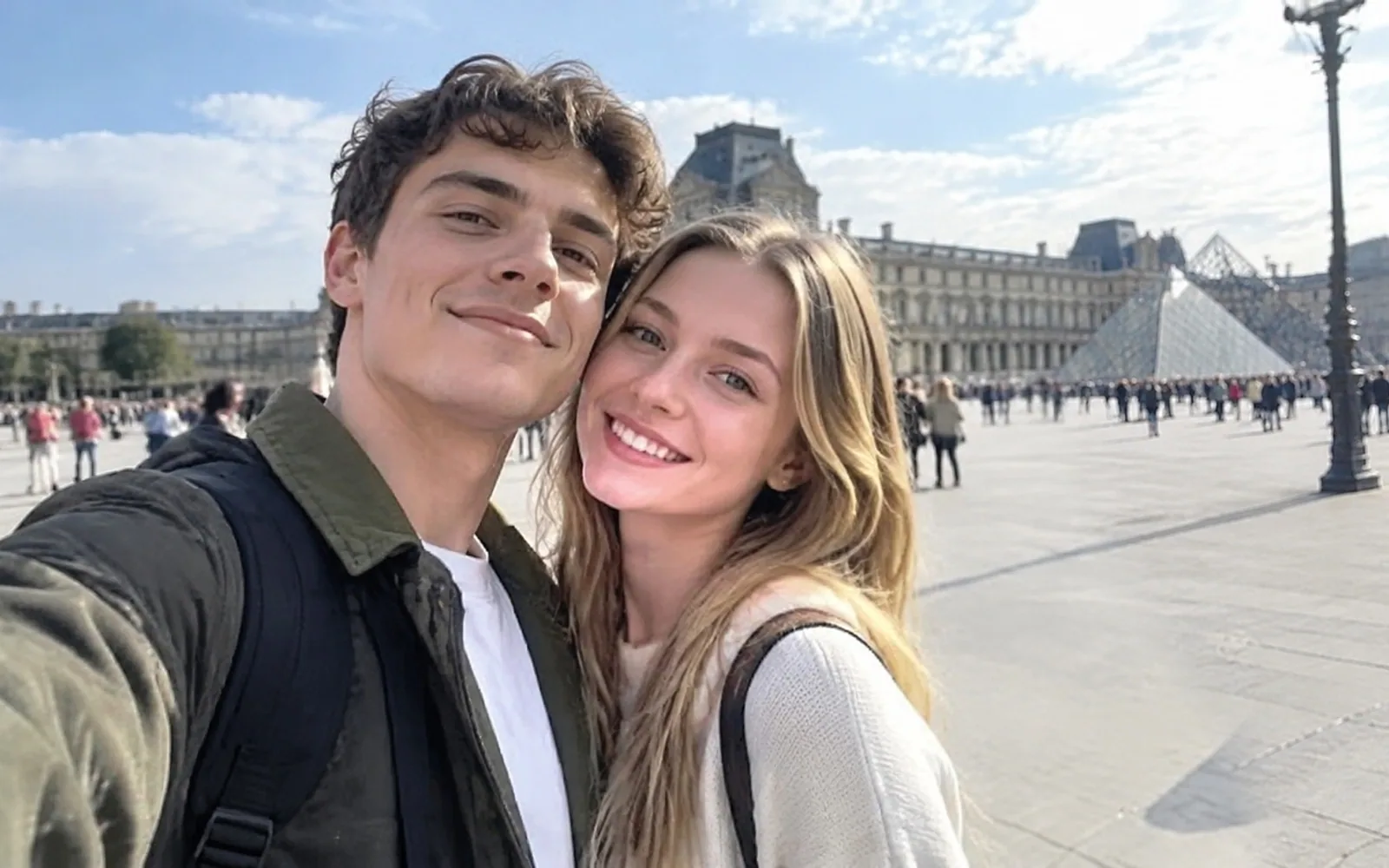
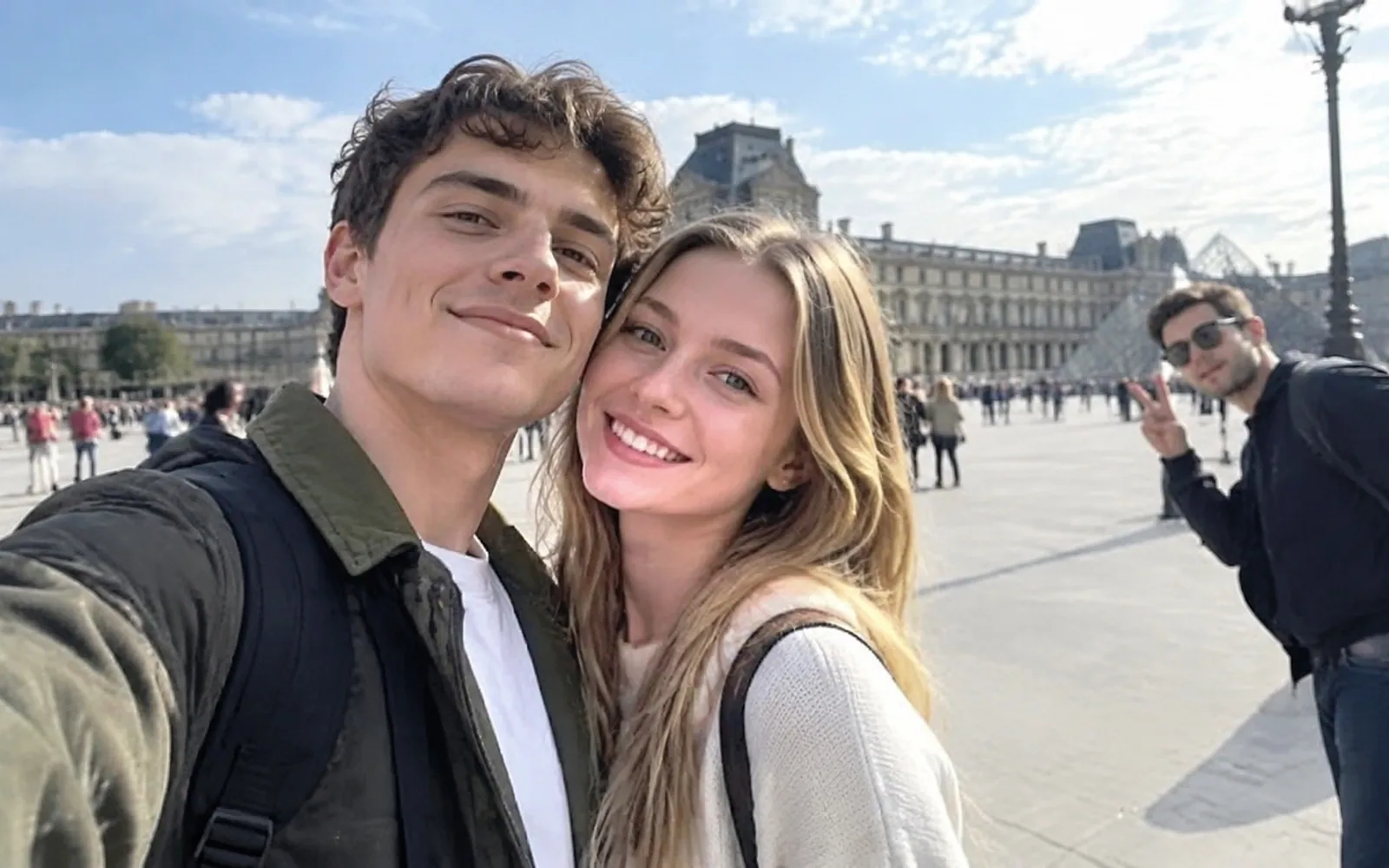
The selected person is removed while the plaza remains intact behind the main subjects.
Check hands, clothing edges, shadows and repeated lines before publishing.Use the tool with a clear target, realistic expectations and an image you are allowed to edit.
This people remover is a brush-based photo cleanup tool for selecting an unwanted person and reconstructing the area they covered.
Travel photographers, families, creators, property teams and event organizers use it when an incidental person distracts from the intended subject.
It removes a brushed person, including relevant edge pixels and shadows you select, while keeping the rest of the uploaded composition available for comparison.
A clone stamp copies nearby pixels manually. PixunelEraser instead generates the selected area from scene context, while its brush provides clearer targeting than a broad text instruction.
Upload the original photo, use a moderate brush around the complete person, include a connected shadow only when it should also disappear, and review edges at full size.
Upload an image and brush the targetTry the remover on your own image
Upload a photo, brush the unwanted area and review the AI reconstruction.
Upload an image