 PixunelEraser
Upload your image
Choose a clear JPG, PNG or WebP image up to 10 MB.
Erase captions, dates, labels, and unwanted writing from image pixels. Brush over the text and review the AI-generated background before downloading.
Sign in to process your selection · 1 free credit for new accounts
Only upload images you own or are authorized to edit. AI creates a plausible replacement; it does not recover hidden original content.
Select only what should disappear and keep the rest of the image visible for review.
Choose a clear JPG, PNG or WebP image up to 10 MB.
Adjust the brush, cover the complete object, and erase any selection that crosses an edge.
Choose Fast or Pro, review the reconstructed area, then download the AI result.
Each example keeps the comparison above its explanation for clear reading on phones and larger screens.
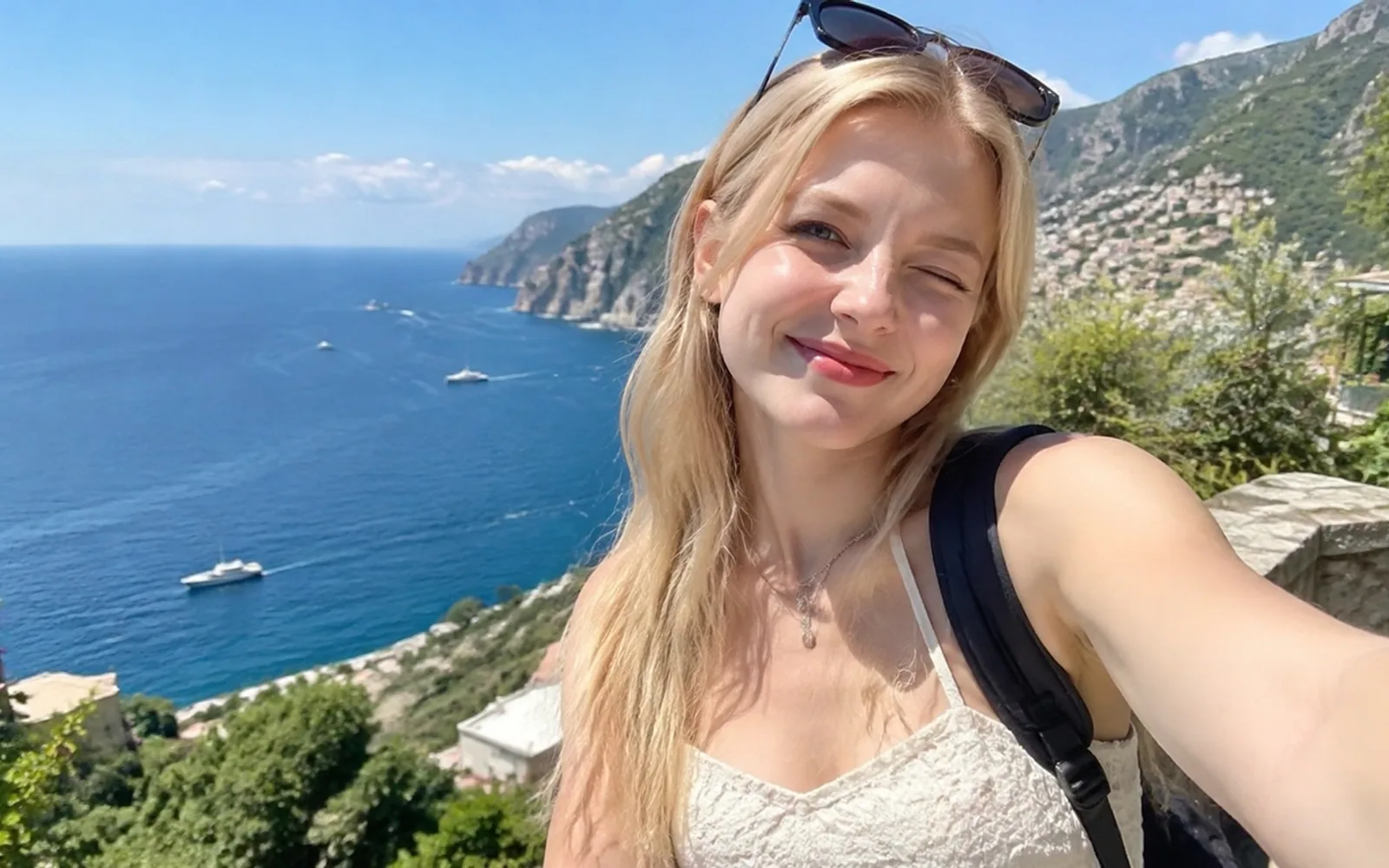
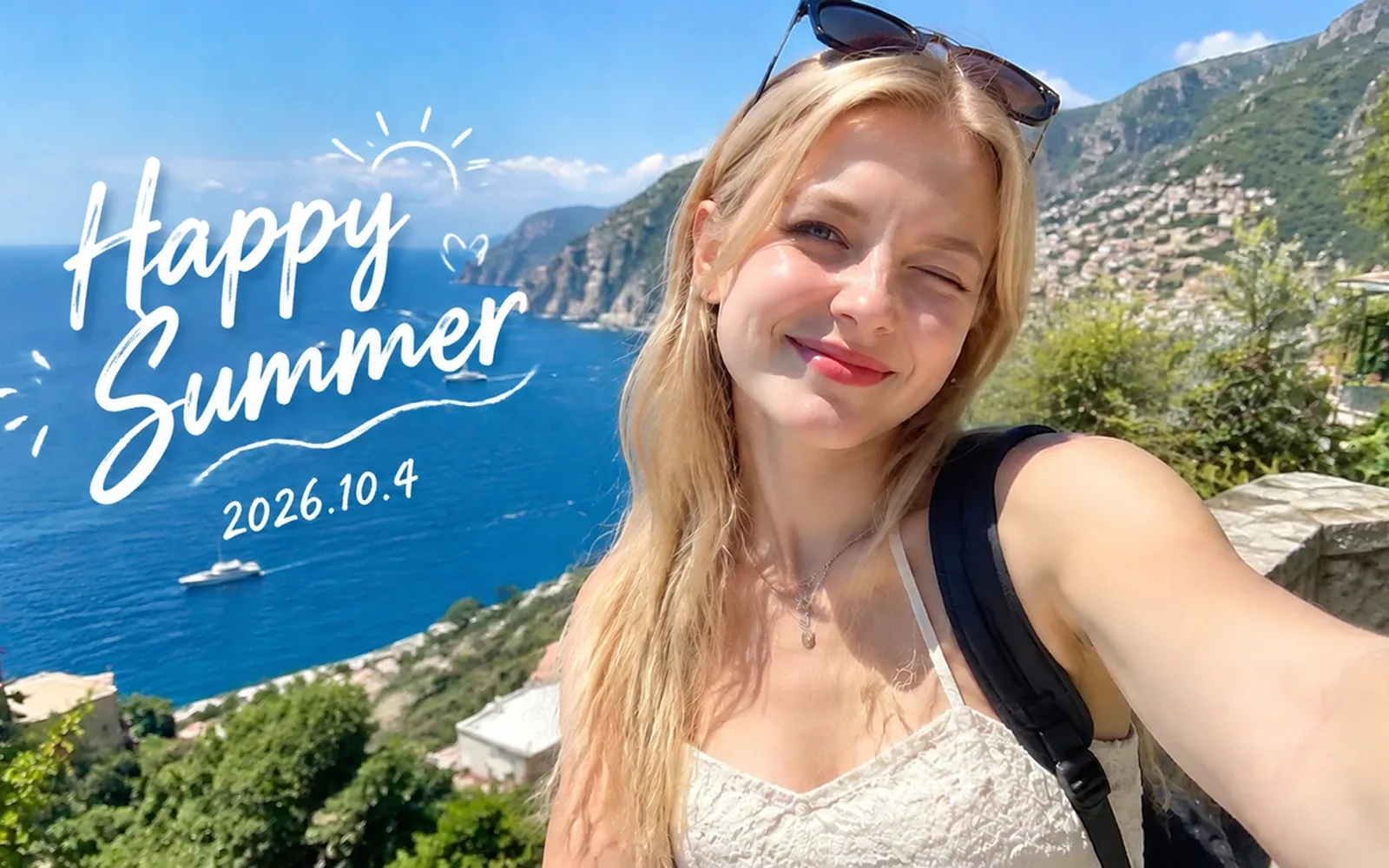
Brush over the text area and let AI continue the surrounding background through the selection.
Include the complete text shadow or background plate when it should disappear.

A compact brush selection removes the visible timestamp while preserving the surrounding photo composition.
Keep an untouched original because generated pixels are not recovered historical detail.Use the tool with a clear target, realistic expectations and an image you are allowed to edit.
This image text remover deletes visible lettering that is flattened into a JPG, PNG or WebP and generates a plausible fill for the selected text area.
Content teams, online sellers, documentation writers, designers and photo owners use it to clean authorized screenshots, product photos, graphics and personal images.
It removes selected words, captions, timestamps or short labels when the original layered file is unavailable. For a PDF page or scan, first export the page as JPG, PNG or WebP, then brush over the text in that image.
Unlike editing a live text layer, removal must recreate pixels hidden behind the letters. Compared with manual healing tools, AI can fill the brushed region automatically, but it does not create editable replacement typography.
Brush tightly around all visible letter strokes, include outlines or shadows, process one text area at a time, and inspect textured backgrounds at full size.
Upload an image and brush the targetTry the remover on your own image
Upload a photo, brush the unwanted area and review the AI reconstruction.
Upload an image